

From notes to review sheet

Notes to study guide in one step

Paste messy lecture notes, slide text or a reading and get an organized study guide: an overview, key concepts, terms, details to memorize and review questions with answers.

  • Messy notes welcome
  • Organized sections
  • Questions with answers
Format
Depth
0 / 4,000 words

Study aid

Paste your notes and press Create. Your study guide, quiz or flashcards appear here.

At a glance

To turn notes into a study guide, paste 50 to 4,000 words of class or lecture notes, keep the Study guide format, pick quick, standard or detailed, and press Create. AI Study Guide Maker sorts the notes into an overview, key concepts, key terms, important details, review questions and answers, using only what you pasted. It costs 1 purchased credit per word with a 300-credit minimum; registration is free.

Input
Lecture notes, class notes, slide text or readings, pasted as text
Output sections
Overview, key concepts, key terms, important details, review questions, answers
Price
1 credit per word of notes (300-credit minimum), $0.17 to $0.50 per 1,000 words
Notes length
50 to 4,000 words of pasted text per request
Depth
Quick, standard or detailed

What happens to your notes

  • 01

    Sorted into sections

    Scattered bullet points become an overview, key concepts, terms and details, in a logical order instead of lecture order.

  • 02

    Your wording kept

    Technical terms, names and symbols stay as you wrote them, so the guide matches your class and your textbook.

  • 03

    Questions added

    Review questions test understanding, not just recall, with answers taken from your notes on a separate list.

  • 04

    Gaps flagged

    Anything your notes mention but do not explain is listed to check in your textbook, instead of being guessed.

How to turn notes into a study guide

  1. 01

    Gather one topic

    Copy the notes for one lecture, unit or chapter.

  2. 02

    Paste and choose a depth

    Quick for a recap, standard for a full review, detailed for exam preparation.

  3. 03

    Review and fill gaps

    Read the guide, then look up the items under Check in your textbook.

Why turn notes into a study guide?

Notes follow the order a lecture happened in, with shorthand, side remarks and repeats. A study guide reorganizes the same material by idea: what the topic is, which concepts matter, which terms to define and what you should be able to answer.

Reviewing that structure is faster than rereading pages of notes, and the review questions turn passive reading into self-testing, which is where most of the learning happens.

What makes notes work well

The guide can only use what you paste, so:

  • Keep definitions and formulas exactly as given in class
  • Include the lecturer's examples, not only the headings
  • Paste one lecture or chapter per guide
  • Leave out reminders, to-do lists and unrelated notes

Other formats from the same notes

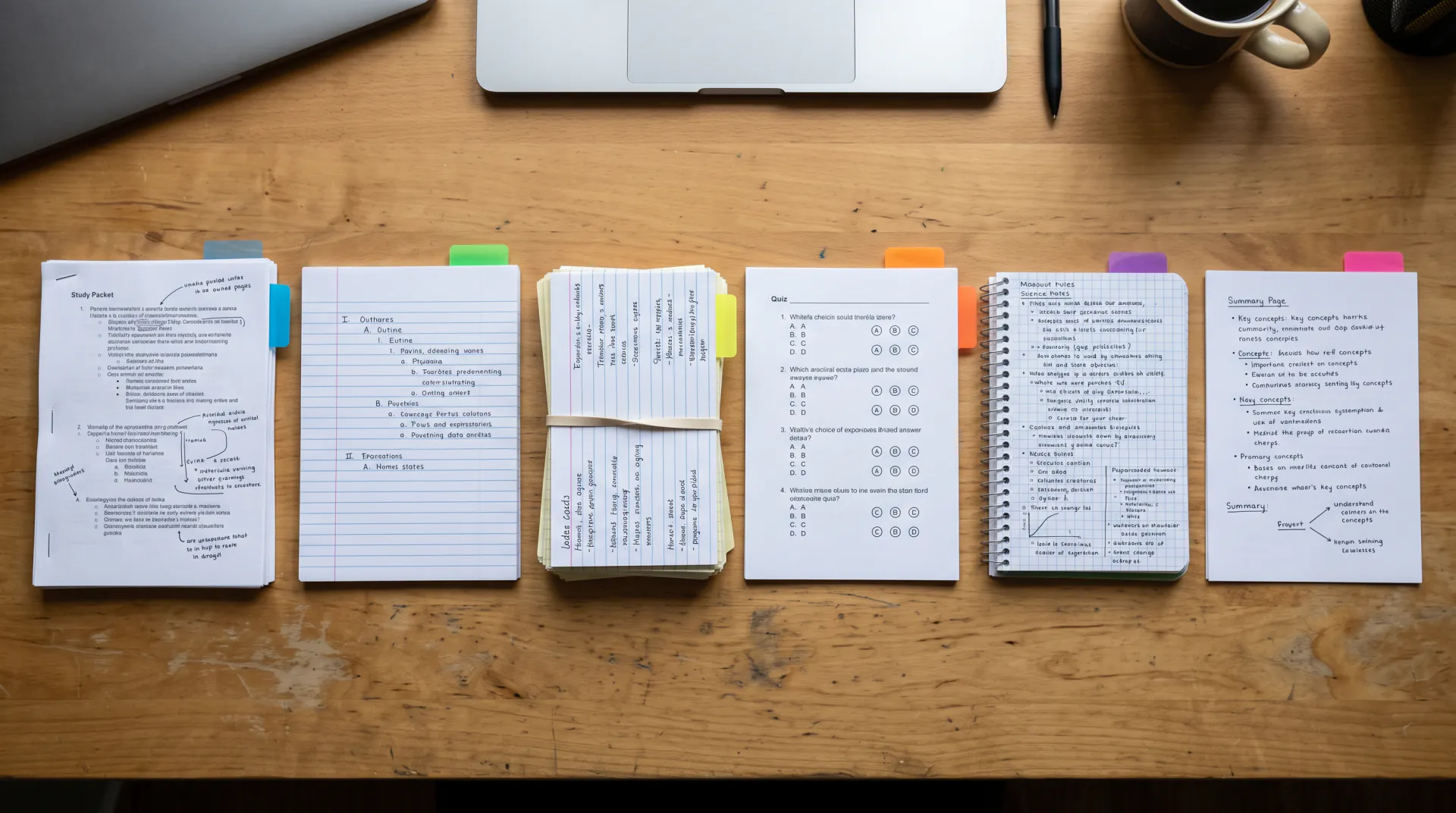
The same notes can also become an outline, flashcards, a practice quiz, a key terms list or a one-page summary. Switch the format and create again; each request is charged separately, so pick the format you will actually study from.

Notes to study guide FAQ

Can it read handwritten notes?

Not directly: the tool takes typed or pasted text. Type your handwritten notes, or copy the text from a photo with your phone's text recognition, then paste it in and check it for errors.

My notes are messy and full of abbreviations. Will it work?

Usually, yes. Fragments, bullet points and shorthand are fine. If an abbreviation is unclear, the guide keeps it as written and may list it under Check in your textbook rather than guess.

How long should my notes be?

At least 50 and at most 4,000 words per request. One lecture or chapter at a time gives the clearest guide; notes under 300 words cost the 300-credit minimum.

How much does it cost?

1 purchased credit per word of notes, with a 300-credit minimum per request: $0.17 to $0.50 for 1,000 words, depending on the plan or pack. Packs start at $4.99. Registration is free, and there are no free credits.

Turn your notes into a study guide

The price shows before you start, and packs start at $4.99.

Last updated October 29, 2026

Create your AI Study Guide Maker account